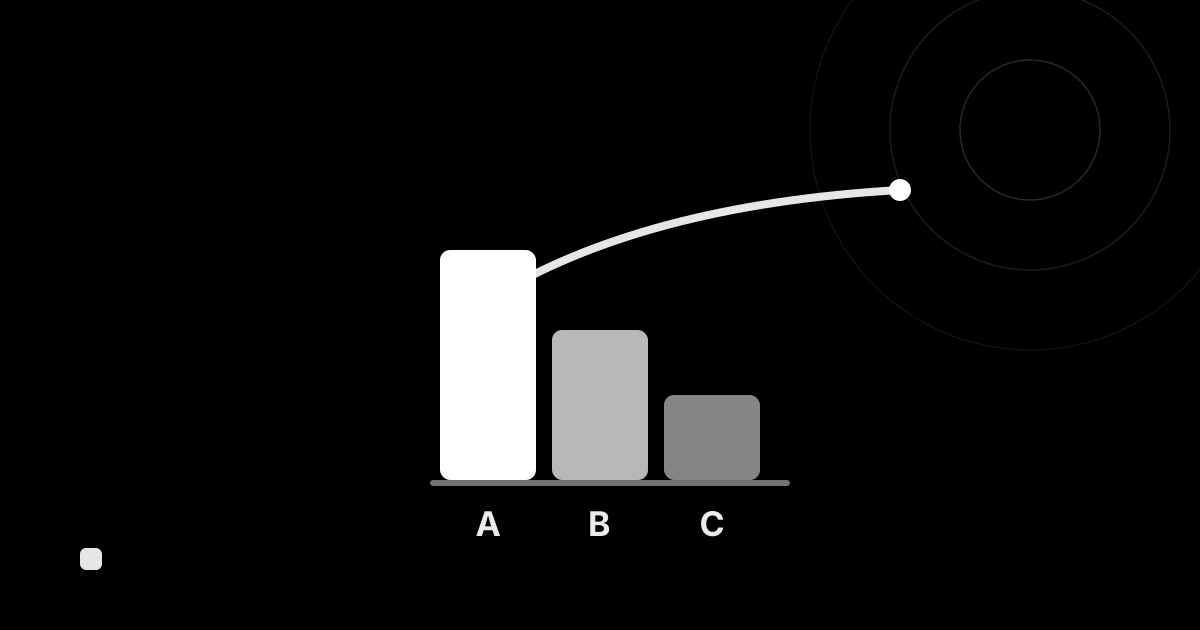
Inventory turnover is a key indicator of how efficiently your stock is moving. Because it ties into cash flow, storage cost and waste, it is often used as a “health check” for inventory. Here is a plain-language guide to its meaning, formula and how to improve it.
What is inventory turnover?
Inventory turnover is an indicator of how many times stock was replaced (sold) over a given period. The higher the number, the more efficiently stock is moving.
The formula
The common ways to calculate it are as follows.
Inventory turnover = outbound during the period (cost of goods sold or outbound quantity) ÷ average inventory
- Value basis: cost of goods sold ÷ average inventory value
- Quantity basis: outbound quantity ÷ average inventory quantity
“Average inventory” is found, for example, by averaging beginning and ending inventory.
Days of inventory
The flip side of the turnover ratio is days of inventory, which expresses “how many days of stock you hold.”
Days of inventory = days in the period ÷ inventory turnover
The higher the turnover, the shorter the days (stock sells quickly); the lower the turnover, the longer the days (stock stagnates).
What high vs low turnover tells you
| State | Meaning | Caveat |
|---|---|---|
| High turnover | Stock is selling efficiently | Too high can mean stockouts and lost sales |
| Low turnover | Stock is stagnating | A sign of excess stock, tied-up cash and waste |
Benchmarks vary widely by industry and product, so it’s more practical to look at your own trend over time and comparisons across products than at other companies.
How to improve inventory turnover
- Find and reduce stagnant stock: identify slow movers and consider markdowns, promotions or pausing purchases.
- Concentrate stock on best sellers: avoid running out of fast movers. → What is ABC analysis
- Set the right inventory level: decide a level that is neither too high nor too low. → What is appropriate inventory
Tracking it in an inventory management system
To work with inventory turnover, you need data on “which products are going out, and how much.”
In the cloud inventory management system “KuraPro,” the by-product report tallies outbound quantity and amount, sorted by outbound amount, so you can spot best sellers and stagnant items. ABC analysis further lets you split stock into contribution groups for focused management.
For report details, see Reports in the user guide.
Summary
- Inventory turnover indicates how many times stock was replaced over a period.
- The formula is “outbound ÷ average inventory”; its flip side is days of inventory.
- Low turnover signals excess stock and tied-up cash. The basics of improvement are cutting stagnant stock and concentrating on best sellers.
- An inventory management system that tallies outbound data helps you improve it.
With KuraPro, you can visualize stock movement with by-product outbound reports and ABC analysis. Try it now on the free plan.