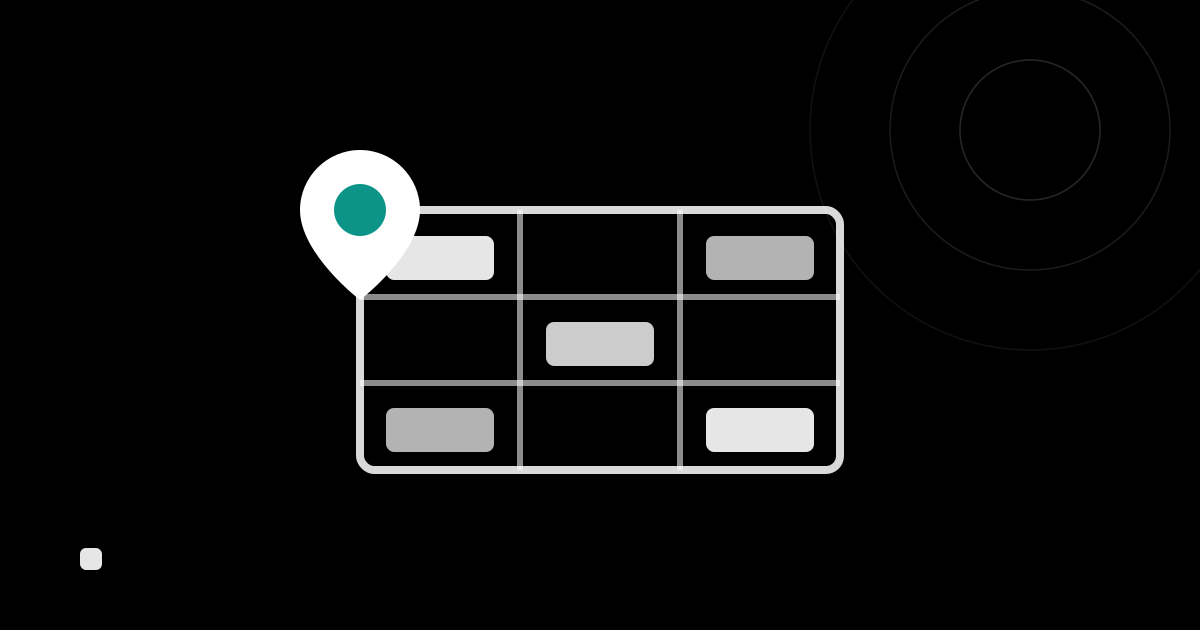
As warehouses and stores multiply, or the number of shelves grows, it becomes hard to know “what is where, and how much.” Organizing this is what location management and multi-site management are for. This page explains, in plain terms, the difference between a “site” and a “location,” the benefits of separating stock and how to choose between them, and how to put it into practice with an inventory management system.
What is location & site management
Location management means tracking stock separately by where it is stored. Even for the same product, counting “how many on Shelf A” and “how many on Shelf B” separately reduces search time and mistakes.
Storage places come at two levels of granularity:
- Site: a large unit that operates its own independent inventory, such as a warehouse, store or branch.
- Location: a storage place within a single site — a shelf, room, floor or area; a finer unit.
Separate “Tokyo Warehouse” and “Osaka Warehouse” as sites, and separate “Shelf A” and “Shelf B” within them as locations — organizing stock in these two layers is the basic idea.
The difference between a “site” and a “location”
| Site | Location | |
|---|---|---|
| Granularity | Large (warehouse, store, branch) | Small (shelf, room, floor, area) |
| Role | An independent unit of inventory operation | A storage position within a site |
| Example | Tokyo Warehouse, Osaka Warehouse, Shibuya Store | Shelf 1-1, cold room, 2F floor |
| How stock works | Stock and movements are separated per site | Stock is separated by storage position within the same site |
Both “separate stock by where it is,” but it helps to think of a site as the large boundary that separates operations, and a location as the finer boundary within a site.
Why separate stock by location and site
Separating stock by where it is stored brings benefits like these:
- Less search time: you immediately know “which shelf,” speeding up picking and stocktaking.
- Spotting shortages and excess: seeing stock per site and location reveals imbalances such as “Warehouse A is short, Warehouse B is overstocked.”
- Preventing mis-shipments: picking from the right place reduces mix-ups.
- Efficient stocktaking: you can count by area, making it easier to divide up a stocktake or run cycle counts.
- Balancing stock across sites: knowing where stock is makes it easier to decide on moves and replenishment across sites.
Conversely, if you manage only the “overall total” without separating storage places, you can end up with stock that exists on paper but can’t be found on the floor.
Choosing between a site and a location
Use these as a guide for “should I separate by site or by location”:
- You want to close the books separately, or see stock counts independently → separate by site (e.g. per store, per warehouse).
- You want to organize storage places within the same site → separate by location (e.g. shelf numbers, zones).
- If you are small with only one place, it’s practical to start with locations only, then separate by site once sites increase.
The limits of Excel and paper for location management
Location management can start in Excel or on paper, but as you scale, these problems appear:
- The more sites and locations, the more complex the spreadsheet, making tallying and searching laborious.
- Rewriting by hand on every movement or move causes transcription errors and missed updates.
- Editing simultaneously across people and multiple sites makes the latest stock unclear.
- It’s hard to check “how many on this shelf” from your phone on the spot.
Once sites or shelves grow, systematizing with an inventory management system is the practical path.
Location & site management in an inventory management system
With an inventory management system, stock is counted separately per site and location automatically, and movements and moves are kept as history.
In the cloud inventory management system “KuraPro,” you can organize stock by combining sites and locations.
- Sites: manage stock separately per warehouse or store, and switch sites on screen to record and review. The product master is shared across all sites, so you don’t recreate products per site. → Site management
- Locations: enable “location” as a stock field to separate stock by shelf, room or floor within the same site. No master registration in advance — you enter it on the spot when recording a task. → Stock fields (location, lot, expiry)
- Move: to move stock to another location within the same site, use the Move transaction — choose the source stock, then enter the destination and the quantity to move. Lot and expiry can be changed the same way, not just the location. → Inbound, outbound, move, adjustment and stocktaking
- Barcode scanning: scan with your phone camera to record stock on the spot on the floor.
You can enable these only when needed, and return to simple quantity-only management when you don’t.
Summary
- Location management means tracking stock separately by where it is stored.
- Storage places have two layers: a site (a large unit such as a warehouse or store) and a location (a finer unit such as a shelf or room within a site).
- Separating by place leads to less search time, spotting shortages and excess, preventing mis-shipments, and more efficient stocktaking.
- Once sites or shelves grow, systematizing sites, locations and moves together in an inventory management system is the efficient path.
With KuraPro, you can manage stock by site, location, lot and expiry using nothing but your smartphone’s barcode scanner. Try it now on the free plan.